These are all of my code snippets I post on Instagram to copy and
paste.
If you like it you can leave me a follow on Instagram:
@darioevaristobellotta
Async & Defer to not render block
“Async – means execute code when it is downloaded and do not block
DOM construction during downloading process. Defer – means execute
code after it’s downloaded and browser finished DOM construction and
rendering process.” Source: stackoverflow.com
HTML - Click to Copy
<script src=""></script>
<script defer src=""></script>
<script async src=""></script>
Anonymize User IPs on Google Analytics
“When a customer of Universal Analytics requests IP-address
anonymization, Analytics anonymizes the address as soon as
technically feasible.” Source: support.google.com
JS - Click to Copy
<!-- Global site tag (gtag.js) - Google Analytics -->
<script async src="https://www.googletagmanager.com/gtag/js?id=YOUR-ID"></script>
<script>
var gaProperty = 'YOUR-ID';
var disableStr = 'ga-disable-' + gaProperty;
if (document.cookie.indexOf(disableStr + '=true') > -1) {
window[disableStr] = true;
}
function gaOptout() {
document.cookie = disableStr + '=true; expires=Thu, 31 Dec 2099 23:59:59 UTC; path=/';
window[disableStr] = true;
alert('Google Analytics tracking has been disabled in your browser for this website.');
}
var gaOptOut='ga-disable-YOUR-ID';
if (document.cookie.indexOf(gaOptOut+'=true')>-1) window[gaOptOut]=true;
window.dataLayer = window.dataLayer || [];
function gtag(){dataLayer.push(arguments);}
gtag('js', new Date());
gtag('config', 'YOUR-ID', { 'anonymize_ip': true });
</script>
Forcing a reload of your files
?v=X Its mainly used to take care of browser cache.
You can
force a file to reload and not be stuck in cache.
HTML - Click to Copy
<img src="folder/file.png?v=2" />
<script src="js/files.js?v=3"></script>
<link rel="stylesheet" href="css/file.css?v=4">
Preloading your Fonts
“The preload value of the <link> element’s rel attribute lets
you declare fetch requests in the HTML’s <head>, specifying
resources that your page will need very soon, which you want to
start loading early in the page lifecycle, before browsers’ main
rendering machinery kicks in. This ensures they are available
earlier and are less likely to block the page’s render, improving
performance.”
Source: developer.mozilla.org
HTML - Click to Copy
<link rel="preload" as="font" href="FIRST" type="font/otf" crossorigin="anonymous">
<link rel="preload" as="font" href="SECOND" type="font/ttf" crossorigin="anonymous">
Help Google crawling your site
“Schema.org is a collaborative, community activity with a mission to
create, maintain, and promote schemas for structured data on the
Internet, on web pages, in email messages, and beyond.”
Source: schema.org
JSON - Click to Copy
<!-- Schema.org -->
<script type="application/ld+json">
{ "@context" : "http://schema.org", "@type" : "LocalBusiness",
"name" : "NAME",
"image": "IMAGE",
"email": "EMAIL",
"url": "URL",
"address" : { "@type" : "PostalAddress",
"addressLocality" : "STREET",
"postalCode" : "POSTALCODE",
"addressCountry": "DE"
} }
</script>
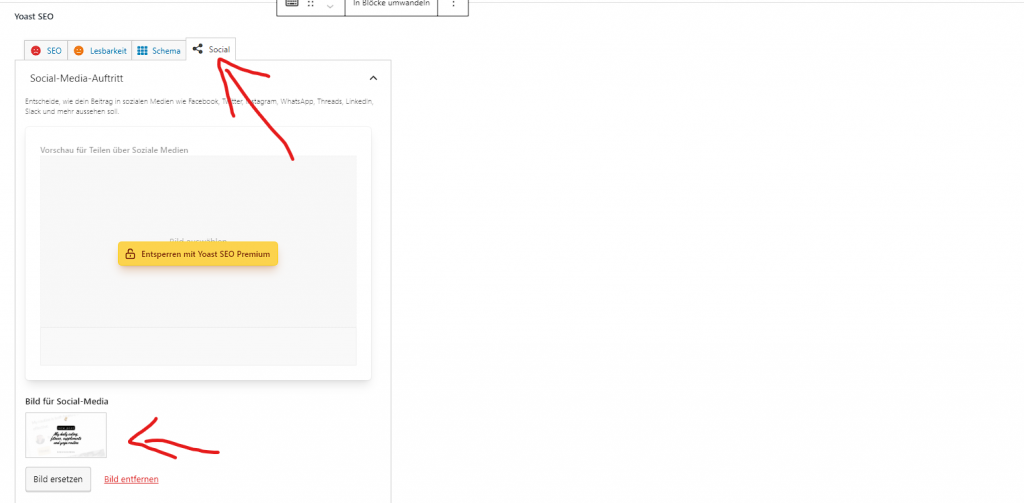
Open Graph for Facebook sharing
“Open Graph meta tags are snippets of code that control how URLs are
displayed when shared on social media. They’re part of Facebook’s
Open Graph protocol and are also used by other social media sites,
including LinkedIn and Twitter (if Twitter Cards are absent). You
can find them in the <head> section of a webpage. Any tags
with og: before a property name are Open Graph tags.”
Source: ahrefs.com
HTML - Click to Copy
<meta property="og:url" content="">
<meta property="og:type" content="">
<meta property="og:title" content="">
<meta property="og:description" content="">
<meta property="og:image" content="">
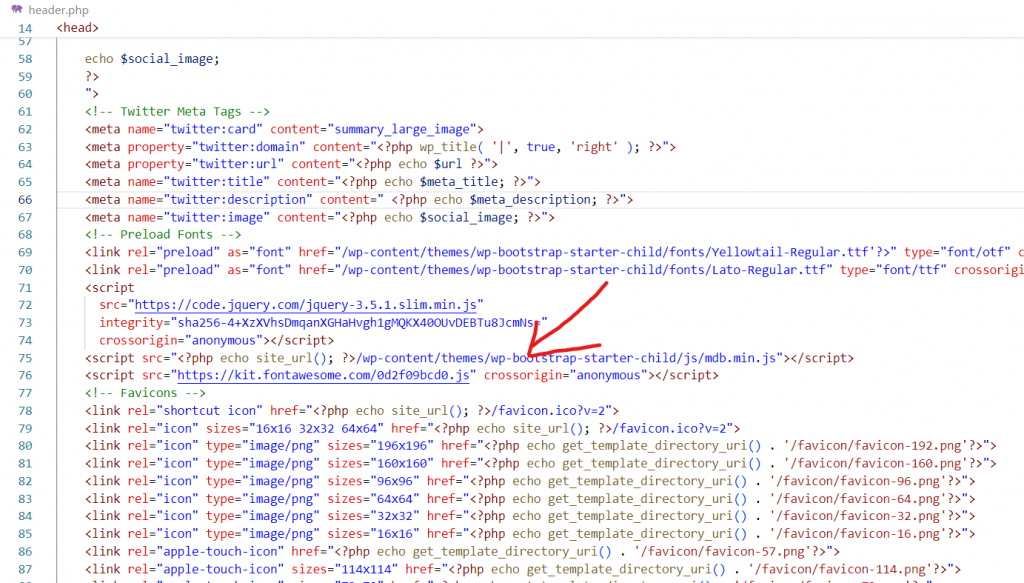
Link sharing on Twitter
“With Twitter Cards, you can attach rich photos, videos and media
experiences to Tweets, helping to drive traffic to your website.
Simply add a few lines of markup to your webpage, and users who
Tweet links to your content will have a “Card” added to the Tweet
that’s visible to their followers.”
Source: developer.twitter.com
HTML - Click to Copy
<meta name="twitter:card" content="summary_large_image">
<meta property="twitter:domain" content="">
<meta property="twitter:url" content="">
<meta name="twitter:title" content="">
<meta name="twitter:description" content="">
<meta name="twitter:image" content="">
Selection: for text selection color
“The ::selection selector matches the portion of an element that is
selected by a user.”
Source: w3schools.com
CSS - Click to Copy
::-moz-selection {
color: #262626;
background: #f2dcbf;
}
::selection {
color: #262626;
background: #f2dcbf;
}
Mod-Deflate and Mod-Gzip: for compression in your
.htaccess
“The mod_deflate module provides the DEFLATE output filter that
allows output from your server to be compressed before being sent to
the client over the network. The mod_deflate module provides the
DEFLATE output filter that allows output from your server to be
compressed before being sent to the client over the network.”
Source: httpd.apache.org
Apache - Click to Copy
<IfModule mod_deflate.c>
AddOutputFilterByType DEFLATE text/html
AddOutputFilterByType DEFLATE text/css
AddOutputFilterByType DEFLATE text/javascript
AddOutputFilterByType DEFLATE text/xml
AddOutputFilterByType DEFLATE text/plain
AddOutputFilterByType DEFLATE image/x-icon
AddOutputFilterByType DEFLATE image/svg+xml
AddOutputFilterByType DEFLATE application/rss+xml
AddOutputFilterByType DEFLATE application/javascript
AddOutputFilterByType DEFLATE application/x-javascript
AddOutputFilterByType DEFLATE application/xml
AddOutputFilterByType DEFLATE application/xhtml+xml
AddOutputFilterByType DEFLATE application/x-font
AddOutputFilterByType DEFLATE application/x-font-truetype
AddOutputFilterByType DEFLATE application/x-font-ttf
AddOutputFilterByType DEFLATE application/x-font-otf
AddOutputFilterByType DEFLATE application/x-font-opentype
AddOutputFilterByType DEFLATE application/vnd.ms-fontobject
AddOutputFilterByType DEFLATE font/ttf
AddOutputFilterByType DEFLATE font/otf
AddOutputFilterByType DEFLATE font/opentype
BrowserMatch ^Mozilla/4 gzip-only-text/html
BrowserMatch ^Mozilla/4.0[678] no-gzip
BrowserMatch �MSIE !no-gzip !gzip-only-text/html
</IfModule>
<ifModule mod_gzip.c>
mod_gzip_on Yes
mod_gzip_dechunk Yes
mod_gzip_item_include file .(html?|txt|css|js|php|pl)$
mod_gzip_item_include mime ^application/x-javascript.*
mod_gzip_item_include mime ^text/.*
mod_gzip_item_exclude rspheader ^Content-Encoding:.*gzip.*
mod_gzip_item_exclude mime ^image/.*
mod_gzip_item_include handler ^cgi-script$
</ifModule>
Webkit-Scrollbar: For a custom scrollbar
“Chrome, Edge, Safari and Opera support the non-standard
::-webkit-scrollbar pseudo element, which allows us to modify the
look of the browser’s scrollbar.”
Source: w3schools.com
CSS - Click to Copy
::-webkit-scrollbar {
width: 10px;
}
::-webkit-scrollbar-track {
border-radius: 0px;
background: #fff;
}
::-webkit-scrollbar-thumb {
border-radius: 0px;
background: #262626;
}
Theme-Color: For mobile interface color
“The theme-color value for the name attribute of the <meta>
element indicates a suggested color that user agents should use to
customize the display of the page or of the surrounding user
interface.”
Source: developer.mozilla.org
CSS - Click to Copy
<!-- Chrome, Firefox OS and Opera -->
<meta name="theme-color" content="#HASH">
<!-- Windows Phone -->
<meta name="msapplication-navbutton-color" content="#HASH">
<!-- iOS Safari -->
<meta name="apple-mobile-web-app-capable" content="yes">
<meta name="apple-mobile-web-app-status-bar-style" content="black">
Last Update: September 08th 2022