
Difficulity: More advanced
What you need is: Yoast SEO Plugin for WordPress and XYZ PHP Code for WordPress and for the social media buttons Fontawesome.com
Follow me on Instagram: @darioevaristobellotta
Start:
First you need to get the permalink of your current page.
PHP - Click to Copy<?php
// Get the current post ID
$post_id = get_the_ID();
// Get the current post permalink
$post_permalink = get_permalink($post_id);
// Encode the post permalink for Twitter
$encoded_permalink = urlencode($post_permalink);
?>
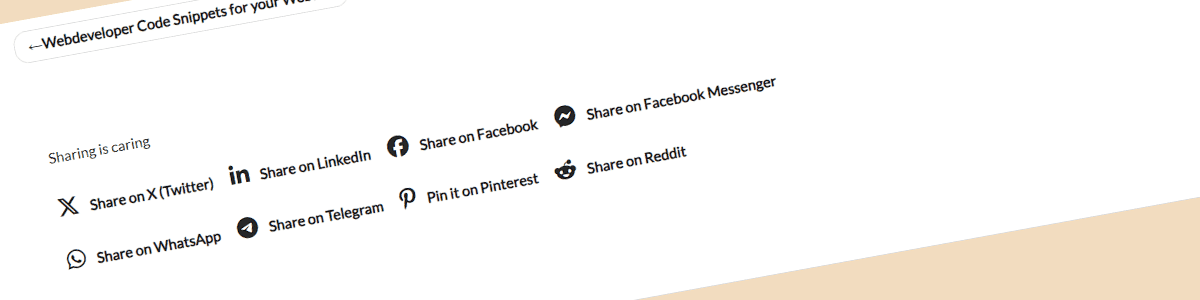
With your current URL you just need this HTML code for twitter sharing
HTML - Click to Copy<a href="https://twitter.com/intent/tweet?url=<?php echo $encoded_permalink; ?>" target="_blank" rel="noopener noreferrer">
<i class="fa-brands fa-x-twitter"></i>Share on X (Twitter)
</a>
and optionally the following codes for LinkedIn sharing
HTML - Click to Copy<!-- Custom LinkedIn Sharing Button -->
<a href="https://www.linkedin.com/sharing/share-offsite/?url=<?php echo $encoded_permalink; ?>" target="_blank" rel="noopener noreferrer">
<i class="fa-brands fa-linkedin-in"></i>Share on LinkedIn
</a>
HTML - Click to Copy<!-- Custom WhatsApp Sharing Button -->
<a href="https://api.whatsapp.com/send?text=<?php echo $encoded_permalink; ?>" target="_blank" rel="noopener noreferrer">
<i class="fa-brands fa-whatsapp"></i>Share on WhatsApp
</a>
HTML - Click to Copy<!-- Custom Facebook Sharing Button -->
<a href="https://www.facebook.com/sharer/sharer.php?u=<?php echo $encoded_permalink; ?>" target="_blank" rel="noopener noreferrer">
<i class="fa-brands fa-facebook-f"></i>Share on Facebook
</a>
Facebook Messenger
HTML - Click to Copy<!-- Custom Facebook Messenger Sharing Button -->
<a href="https://www.facebook.com/dialog/send?link=<?php echo $encoded_permalink; ?>&app_id=YOUR_APP_ID" target="_blank" rel="noopener noreferrer">
<i class="fa-brands fa-facebook-messenger"></i>Share on Facebook Messenger
</a>
Telegram
HTML - Click to Copy<!-- Custom Telegram Sharing Button -->
<a href="https://t.me/share/url?url=<?php echo $encoded_permalink; ?>" target="_blank" rel="noopener noreferrer">
<i class="fa-brands fa-telegram"></i>Share on Telegram
</a>
HTML - Click to Copy<!-- Custom Pinterest Sharing Button -->
<a href="https://www.pinterest.com/pin/create/button/?url=<?php echo $encoded_permalink; ?>&media=<?php echo $post_thumbnail_url; ?>" target="_blank" rel="noopener noreferrer">
<i class="fa-brands fa-pinterest-p"></i>Pin it on Pinterest
</a>
HTML - Click to Copy<!-- Custom Reddit Sharing Button -->
<a href="https://www.reddit.com/submit?url=<?php echo $encoded_permalink; ?>" target="_blank" rel="noopener noreferrer">
<i class="fa-brands fa-reddit-alien"></i>Share on Reddit
</a>
and that’s basically it.
How to insert this code into your pages:
To insert this code into your pages you need to copy this code with the social media buttons you want to have into XYZ PHP Code.
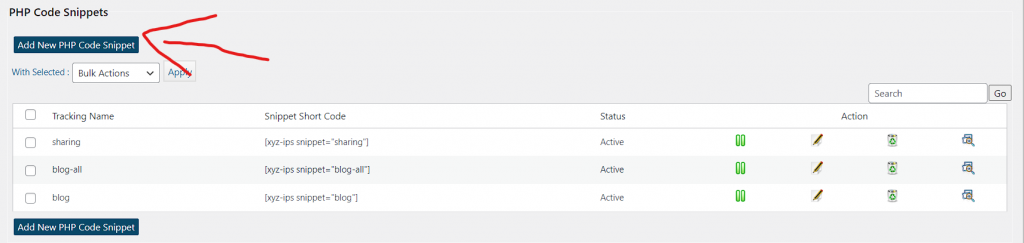
1. Add new PHP code snippet
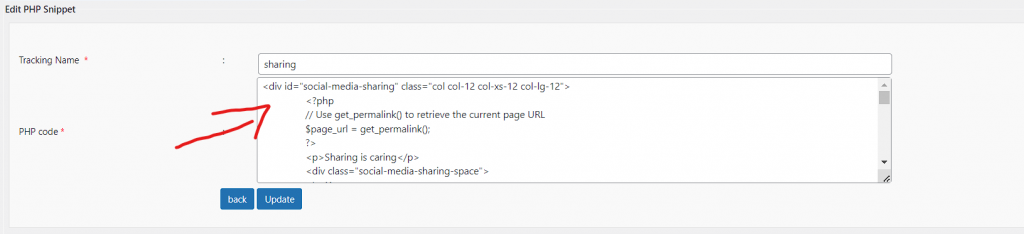
2. Insert the code with your chosen social media buttons
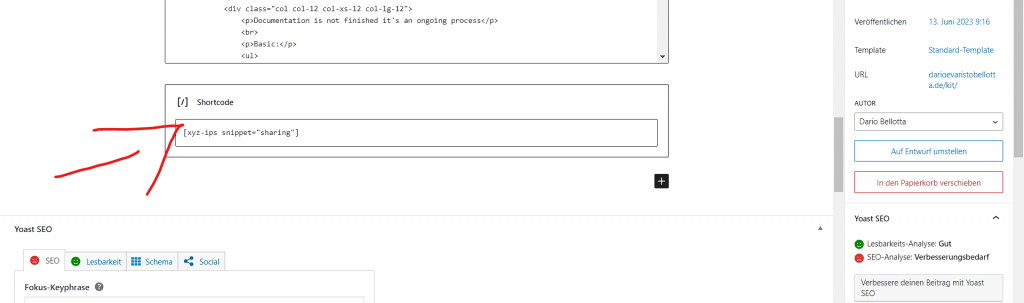
Finally you can add this shortcode into you pages where you want the share buttons to be
How to insert this code into your blog posts
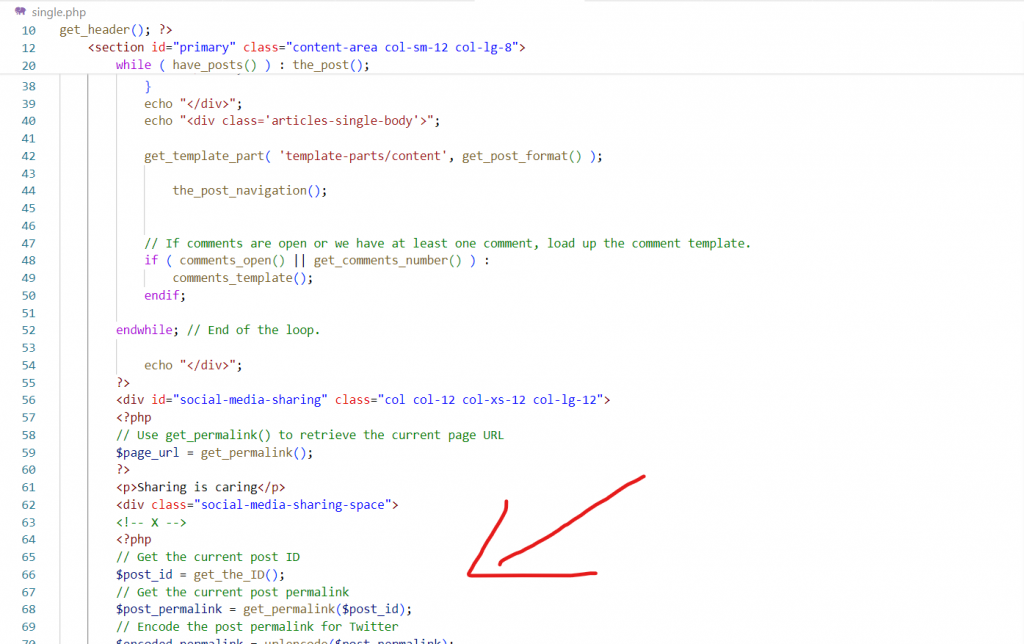
You need to insert it into /wp-content/themes/your-theme/single.php
How to get the perfect meta data for your links:
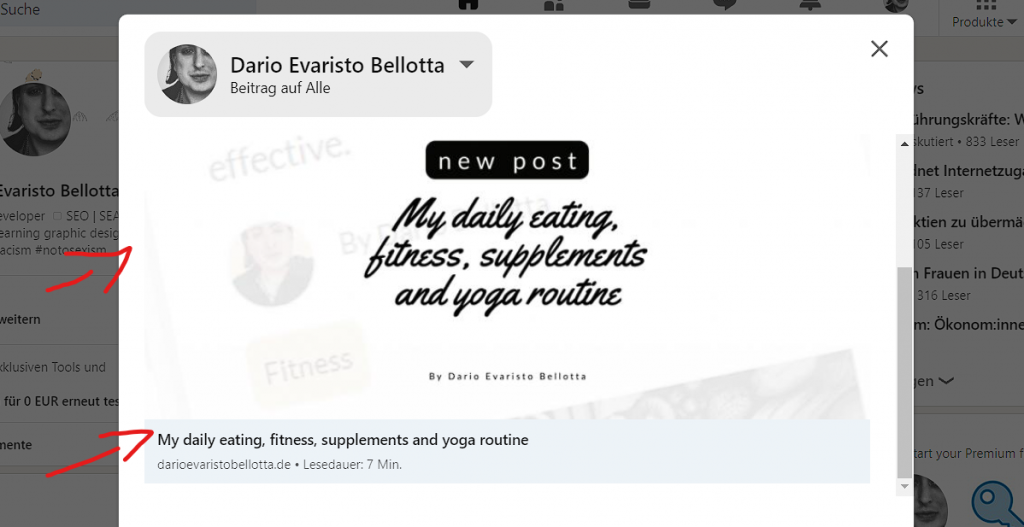
For your link url, the title and the image to appear correctly you now need the Yoast SEO Plugin and the right OG meta data.
In your /wp-content/themes/your-theme/header.php you need to insert this code
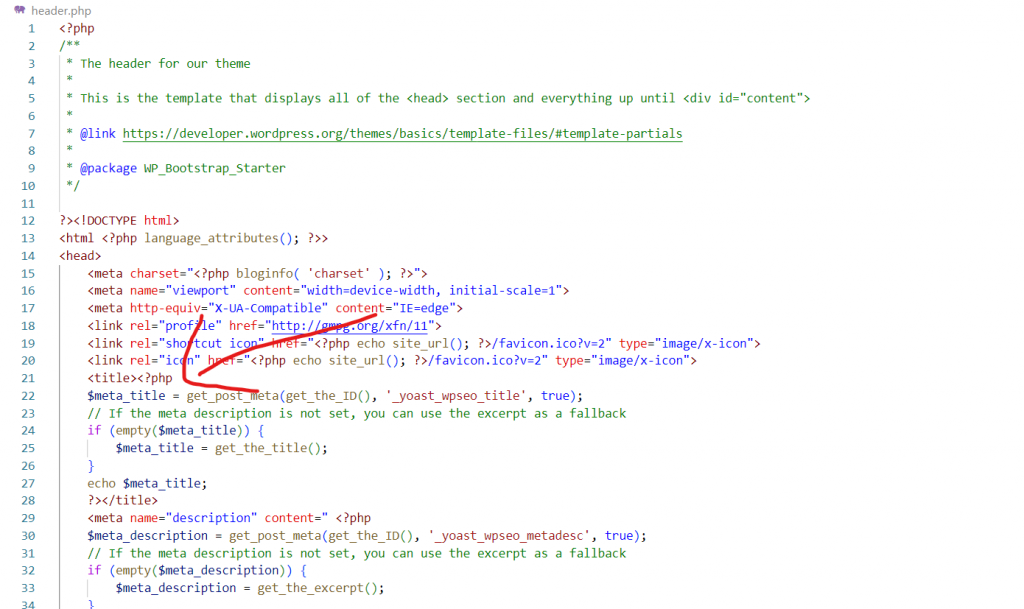
the code is:
PHP - Click to Copy<title><?php
$meta_title = get_post_meta(get_the_ID(), '_yoast_wpseo_title', true);
// If the meta description is not set, you can use the excerpt as a fallback
if (empty($meta_title)) {
$meta_title = get_the_title();
}
echo $meta_title;
?></title>

<meta name="description" content=" <?php
$meta_description = get_post_meta(get_the_ID(), '_yoast_wpseo_metadesc', true);
// If the meta description is not set, you can use the excerpt as a fallback
if (empty($meta_description)) {
$meta_description = get_the_excerpt();
}
echo $meta_description;
?>
"/>

<!-- Open Graph protocol -->
<meta property="og:url" content="<?php echo $url ?>">
<meta property="og:type" content="website">
<meta property="og:title" content="<?php echo $meta_title; ?>">
<meta property="og:description" content="<?php echo $meta_description; ?>">
<meta property="og:image" content="
<?php
$social_image = get_post_meta(get_the_ID(), '_yoast_wpseo_opengraph-image', true);
// If the social image is not set, you can use a default fallback
if (empty($social_image)) {
$social_image = '/wp-content/uploads/2023/06/Dario-Evaristo-Bellotta_Open-Graph01.png';
}

echo $social_image;
?>
">

<!-- Twitter Meta Tags -->
<meta name="twitter:card" content="summary_large_image">
<meta property="twitter:domain" content="<?php wp_title( '|', true, 'right' ); ?>">
<meta property="twitter:url" content="<?php echo $url ?>">
<meta name="twitter:title" content="<?php echo $meta_title; ?>">
<meta name="twitter:description" content=" <?php echo $meta_description; ?>">
<meta name="twitter:image" content="<?php echo $social_image; ?>">
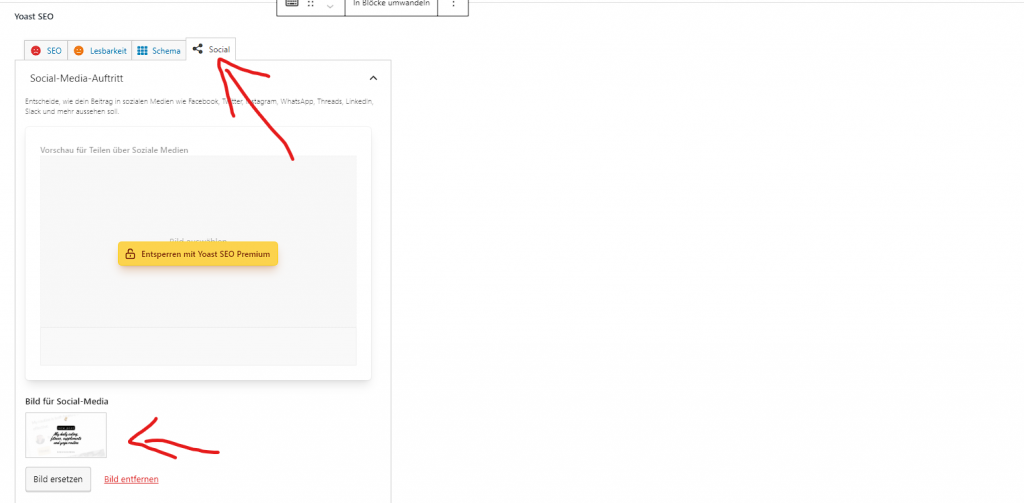
now you can edit the meta title, the meta description and the OG Image for sharing inside your wordpress pages with YOAST SEO Plugin. Just scroll to the bottom of your pages.
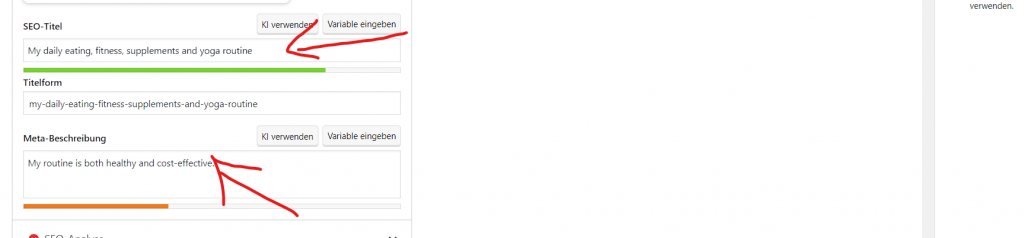
And for the image you go to “social” tab and insert there the image
How install Fontawesome.com for the sharing icons:
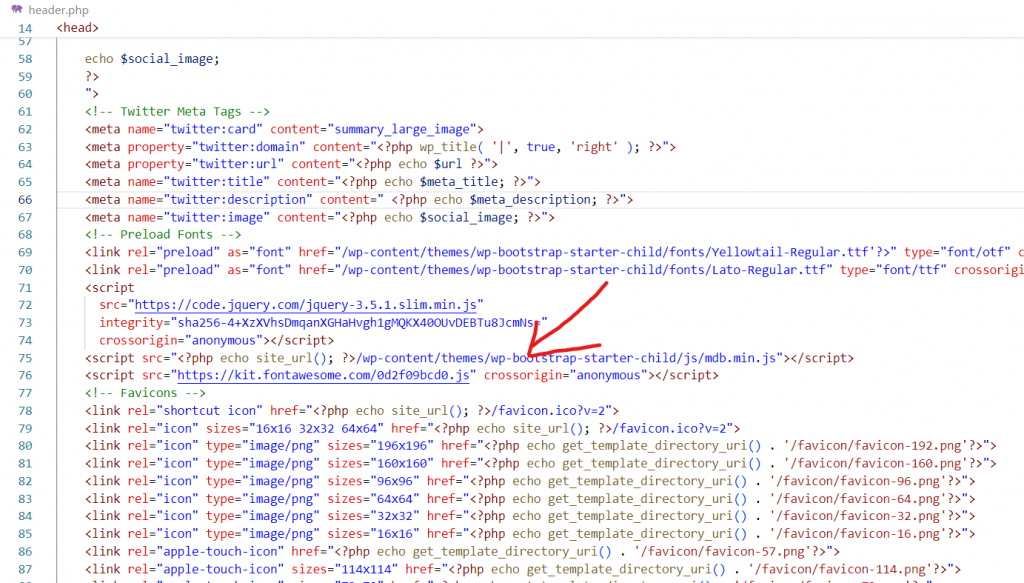
To install the sharing icons you just need to put this code into your /wp-content/themes/your-theme/header.php
HTML - Click to Copy<script src="https://kit.fontawesome.com/0d2f09bcd0.js" crossorigin="anonymous"></script>
If your link is not rendert correctly try to append “?v=2.0” at the end of your link on social media like this:
?v=2.0
Sharing is caring